
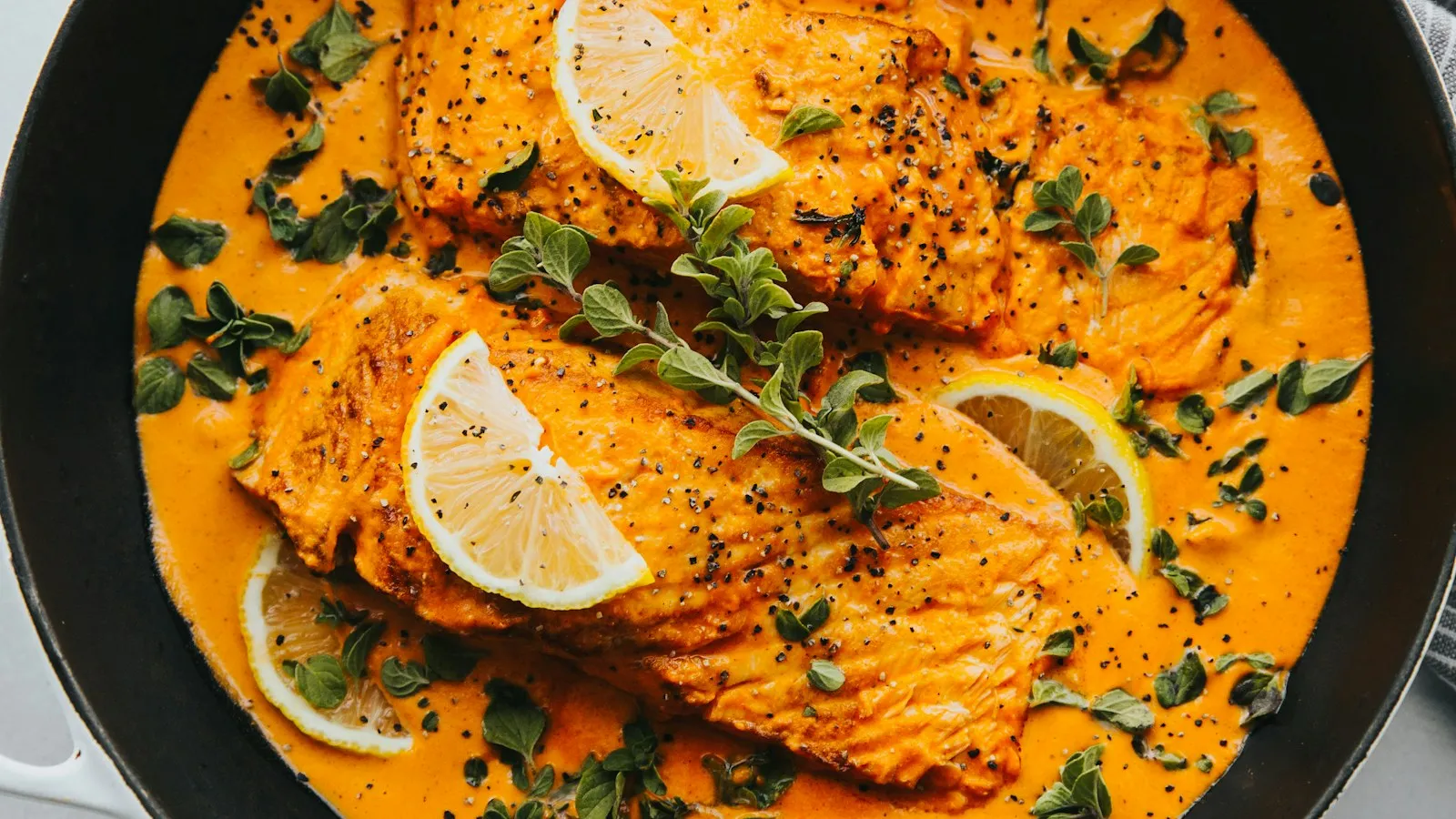
In the dining room, a customer sees a plate pass to the next table, smells it and asks the waiter. Online, they get one photo and two lines of text. If that photo is dark, blurry or missing, the dish loses to the one next to it, even when it is the best thing on your menu.
The good news: you don't need a professional photographer. You need light, a method and half an hour.
Why the photo matters so much online
People ordering online decide fast, often on a phone and often hungry. The photo answers what they would ask in person: how big is the portion, what comes on the plate, does it look fresh? A dish without a photo makes them imagine, and people who have to imagine tend to pick what they already know.
Light does half the work
- Use daylight. Shoot next to a window, during the day, without direct sun on the plate.
- Switch the flash off. It flattens food and puts glare on sauces and plates.
- Don't mix light sources. Window light plus warm kitchen bulbs gives odd colours.
- Soften hard shadows with a white napkin or a sheet of paper on the side opposite the window.
The right angle for each dish
- From above for pizzas, sharing boards, salads, bowls and anything flat and colourful.
- At about 45 degrees, the view of someone sitting at the table, for most plated dishes.
- Straight on for burgers, sandwiches, cakes and anything with layers.
Choose one angle per type of dish and stick to it. A menu where every photo follows the same style looks more cared for and is easier to scan.
Make the dish the star
- A simple background: a wooden table, a stone surface or a plain cloth.
- Nothing that distracts: bottles, branded packaging, hands, used cutlery.
- The real portion, as it leaves the kitchen. The photo should show what the customer will receive. That is what prevents disappointment and complaints.
- Wipe the rim of the plate before you shoot.
Shoot everything in one go
Pick a quiet morning before service and photograph the whole menu, or at least your best sellers. Plate each dish as you would for a customer, shoot it straight away (food loses its shine quickly) and move on to the next. Take several shots of each dish and choose later on a bigger screen.
The most common mistakes
- Photos taken at night under dining-room lighting.
- Stock images that don't match the real dish.
- Cropped, crooked or out-of-focus shots.
- An old photo of a dish that has since changed.
How GetFoodies helps
When we set up your ordering site, we improve up to 40 real photos of your dishes, once. We don't generate food photos with AI: your customers see your actual dish. With Get Social, the same photos then feed the posts we prepare for your social media, which you approve before anything goes out.
Start this week
Choose the five dishes you sell most and photograph them tomorrow morning by the window, all with the same angle and background. Swap them into your menu and watch how customers respond over the following weeks.
See how it works at getfoodies.com.